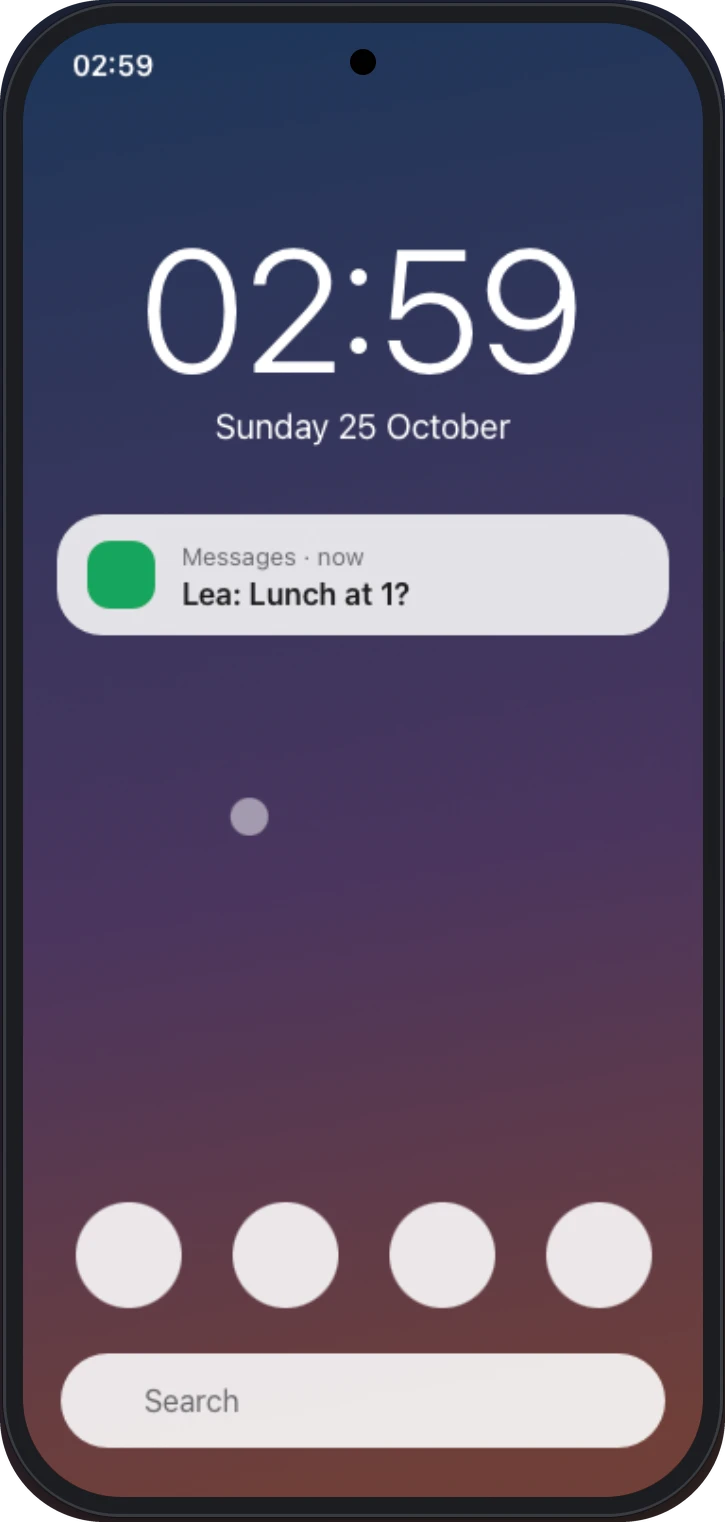
Reply to messages with your keyboard, scroll feeds with your trackpad, and keep the phone face down on the desk.
Pair once with a 6-digit code
Both screens show the same code. Tap "Codes match" and you're in. Next time it reconnects on its own.
482916
Mouse & keyboard
Click, drag, scroll and type. Back, Home and Recents are one shortcut away.
Hear your phone
Videos and games play through your Mac's speakers, in sync.
Pinch to zoom
Pinch on the trackpad or Option-drag. Maps and photos zoom like on glass.
Screen off, still in control
Turn the phone's display off and keep using it from the Mac.
Lives in your menu bar
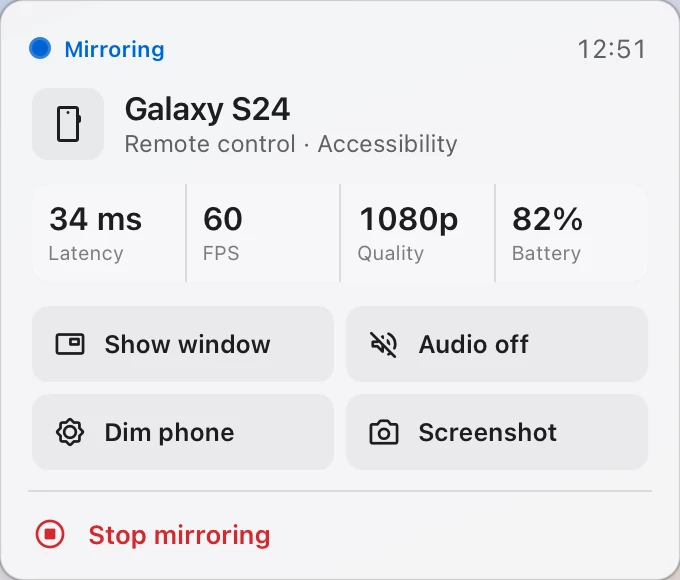
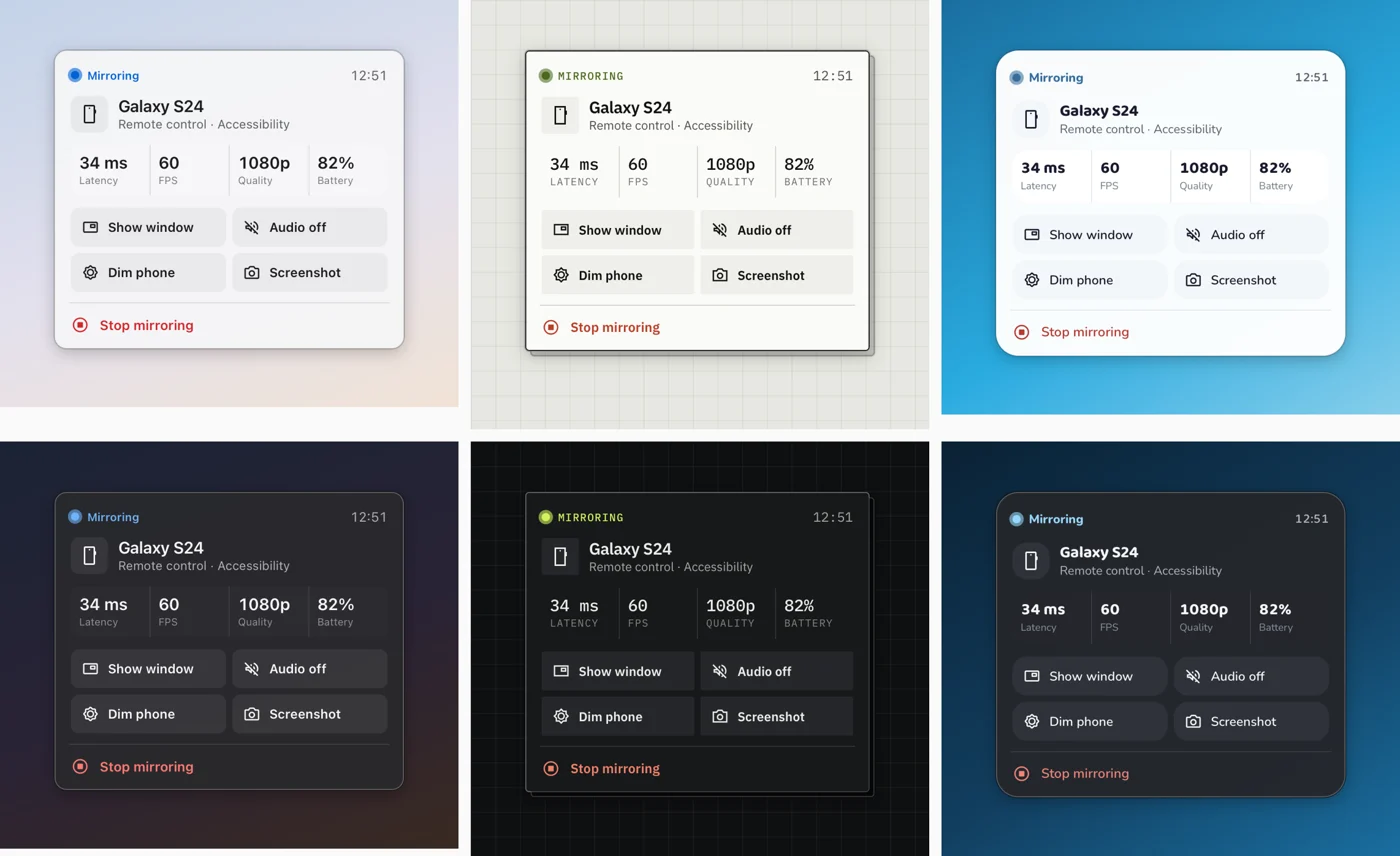
Latency, frame rate and battery at a glance, plus Show window, Audio, Screenshot and Stop. No dock icon, no clutter.
Private by design
Your screen travels straight from phone to Mac over your Wi-Fi, end-to-end encrypted. No accounts, no relay servers.